Bridging the Walled Garden: How Google’s New Tools Are Ending the Android-iPhone Sharing Divide
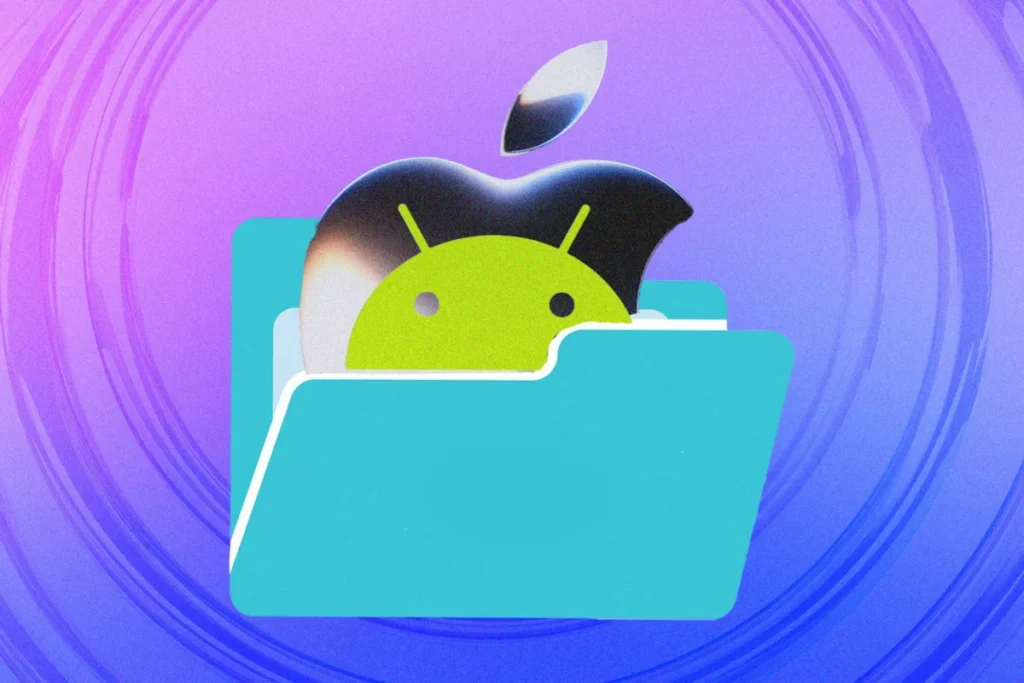
For over a decade, the mobile landscape has been defined by a digital border wall. On one side, Apple’s ecosystem—slick, integrated, and notoriously insular. On the other, the expansive, customizable world of Android. For years, the primary pain point for users navigating both worlds was the "file transfer gap." Sharing a high-resolution photo, a document, or a contact card between an iPhone and an Android handset often meant resorting to clunky email attachments, compressed messaging apps, or the tedious process of uploading to a third-party cloud drive.
Whisper it quietly, but those walls are finally beginning to crumble. Through a series of strategic updates to Android’s "Quick Share" protocol, Google has effectively bridged the divide, allowing for seamless, app-free file transfers between the two dominant mobile platforms.
The Evolution of Connectivity: A Chronology of Cross-Platform Sharing
The history of mobile file sharing is a narrative of fragmentation. In the early days of smartphones, users relied on proprietary Bluetooth profiles—a slow, unreliable, and often insecure method. When Apple introduced AirDrop in 2011, it set the gold standard for device-to-device communication, utilizing a sophisticated blend of Bluetooth and peer-to-peer Wi-Fi to create a frictionless experience.
Android attempted to mirror this with various iterations, eventually settling on "Nearby Share," which was recently rebranded and expanded as "Quick Share" in collaboration with Samsung. Here is the chronology of how we reached the current state of interoperability:
- 2011–2013: Apple cements AirDrop as a core feature of iOS. Android users are left with fragmented solutions, mostly reliant on manufacturer-specific tools or third-party apps like SHAREit.
- 2020: Google launches "Nearby Share," finally providing a native, AirDrop-like experience for Android-to-Android users. However, the connection to iOS remains non-existent.
- 2024: Google announces a major expansion of the Quick Share ecosystem. In a move that surprised many industry analysts, Google implemented protocols that allow Android devices to communicate with Apple devices under specific conditions.
- Late 2024: The rollout of QR-code-based sharing completes the puzzle, ensuring that even if a device lacks direct AirDrop compatibility, users have a fail-safe method to transfer data between platforms.
Technical Mechanics: How the "Walled Garden" Was Breached
The breakthrough relies on Google’s willingness to innovate around Apple’s closed ecosystem rather than waiting for Cupertino to open it. While Apple has not formally integrated its AirDrop protocols with Android, Google has engineered a workaround that mimics the handshake process an iPhone expects.

Direct AirDrop-Style Transfers
On newer Android handsets—particularly the Google Pixel series and Samsung Galaxy phones—the Quick Share menu now recognizes nearby iPhones. When a user taps the "Share" icon on an Android device, the system scans for compatible receivers. If an iPhone is nearby and has its AirDrop discovery settings set to "Everyone for 10 Minutes," it appears as a selectable destination.
The security handshake is handled locally. Once selected, the Android device sends the file, and the iPhone triggers a standard AirDrop notification, requiring the recipient to manually accept the incoming data. This maintains Apple’s high standards for security while removing the need for proprietary hardware compatibility.
The QR Code Fallback
For devices that do not support the direct handshake, or in environments where wireless discovery is unstable, Google introduced a QR-code-based bridge. This method is universal across all modern Android phones.
- Initiation: The user selects the file and chooses "Quick Share" from the Android share sheet.
- Generation: If no direct AirDrop connection is established, the user selects "Use QR code."
- Transfer: The Android device generates a unique, temporary URL. The iPhone user points their native camera app at the code, which opens a secure Google-hosted web portal.
- Download: The file is downloaded directly to the iPhone’s "Files" or "Photos" app.
Crucially, Google has optimized this for user privacy. These files are stored in the cloud for only 24 hours before permanent deletion. Furthermore, the transfer does not count against the user’s Google Drive storage quota, making it a "zero-cost" utility for the consumer.
Supporting Data and Utility
The efficacy of these new tools is best measured by their limitations and constraints. While the system is robust, it is not infinite. According to Google’s documentation:

- Capacity: Users can transfer up to 1,000 files in a single session.
- Batching: A single session can broadcast to up to 20 devices simultaneously.
- Security: By mandating that the iPhone must be set to "Everyone for 10 Minutes," Apple ensures that users are not subject to unwanted, unsolicited file transfers—a safeguard that remains intact despite Google’s intervention.
These specifications position the new Quick Share as a professional-grade tool suitable for photographers, field journalists, and creative teams who frequently operate with mixed-device hardware.
Official Responses and Industry Implications
The tech industry has observed these developments with keen interest. While Apple has maintained its characteristic silence regarding Google’s "encroachment" on its protocol, the lack of a "cease and desist" or a software block suggests a tacit acceptance of the current state of play.
The "Walled Garden" Dilemma
For years, Apple’s "walled garden" strategy has been both its greatest strength and a point of regulatory scrutiny. By keeping iMessage and AirDrop exclusive, Apple successfully incentivized user retention. However, with the European Union’s Digital Markets Act (DMA) and similar antitrust pressures mounting globally, there is an implicit incentive for big tech firms to ensure their platforms are not "anti-competitive."
"Google is effectively forcing the hand of the industry," says independent tech analyst Marcus Thorne. "By building bridges into Apple’s ecosystem, they are moving the goalposts. If Apple were to block this functionality, they would look increasingly isolationist in an era where interoperability is becoming a consumer expectation."
Alternative Methods: When Native Tools Aren’t Enough
While Quick Share is the current gold standard, it is not the only path. Users must remember that specialized scenarios often require specialized tools:

- Professional Cloud Infrastructure: For enterprise-level transfers, services like Dropbox and Google Drive remain the most reliable. Unlike AirDrop, which is limited by proximity, these services allow for asynchronous, long-distance file management.
- Encrypted Messaging Apps: Apps like WhatsApp and Telegram have long bridged the gap. However, users should be wary of default compression settings. For high-resolution files, users must ensure they are sending the file as a "document" or "original file" rather than a compressed image.
- The Bluetooth Limitation: It is vital to note that Bluetooth—the original wireless sharing standard—remains off-limits for file transfers between iOS and Android. Apple’s hardware limitations prevent the use of the Bluetooth stack for non-peripheral device data exchange. Users attempting to use legacy Bluetooth apps will continue to find their efforts thwarted.
The Future of Mobile Interoperability
As we look toward the next generation of mobile operating systems, the trend is clear: the barrier to entry for cross-platform workflows is lowering. Whether this was driven by altruistic design goals or the looming threat of global antitrust legislation is secondary to the benefit for the end-user.
The "walled garden" is not disappearing, but it is gaining gates. For the average user, the ability to simply tap a button and send a file from a Galaxy to an iPhone is a quiet victory for common sense. It signals a shift from a "winner-takes-all" mentality to one where the primary competitive advantage is no longer how well you can trap a user, but how well you can facilitate their digital life.
For now, the advice to users is simple: Ensure your Android OS is updated, check your AirDrop discovery settings on your iPhone, and enjoy the newfound freedom of a more connected mobile experience. The era of the "sharing struggle" is, at long last, coming to an end.