Mastering Pinterest Strategy: The Evolution of Hidden Images and Visual Engagement
In the rapidly shifting landscape of digital content, visual marketing has become the cornerstone of audience acquisition for bloggers and creators. Central to this strategy is Pinterest, a platform that has consistently rewarded high-aspect-ratio, vertical images with greater reach and engagement. For many content creators, however, the challenge lies in balancing the aesthetic integrity of a blog post with the aggressive, text-heavy designs that thrive on Pinterest. This article explores the evolution of the "hidden image" technique, the technical methodologies behind it, and why this strategy remains a critical component of modern content monetization.
Main Facts: The Power of Verticality
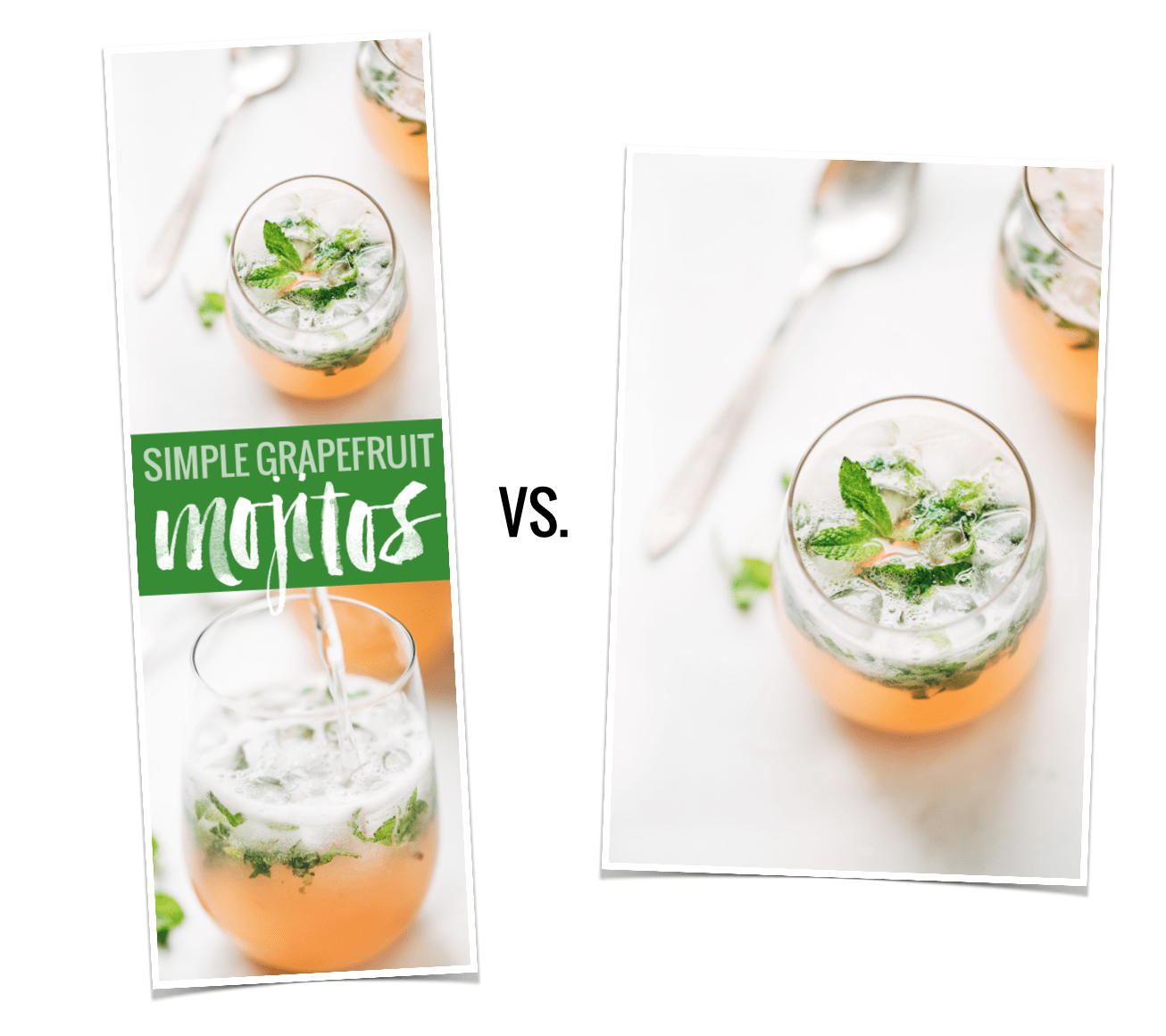
The core premise driving this technique is simple: vertical images outperform horizontal images on Pinterest. Data analysis from 2015, which continues to hold relevance in contemporary SEO and social media marketing, revealed that long, vertical images generated approximately 70% more repins than their shorter counterparts.
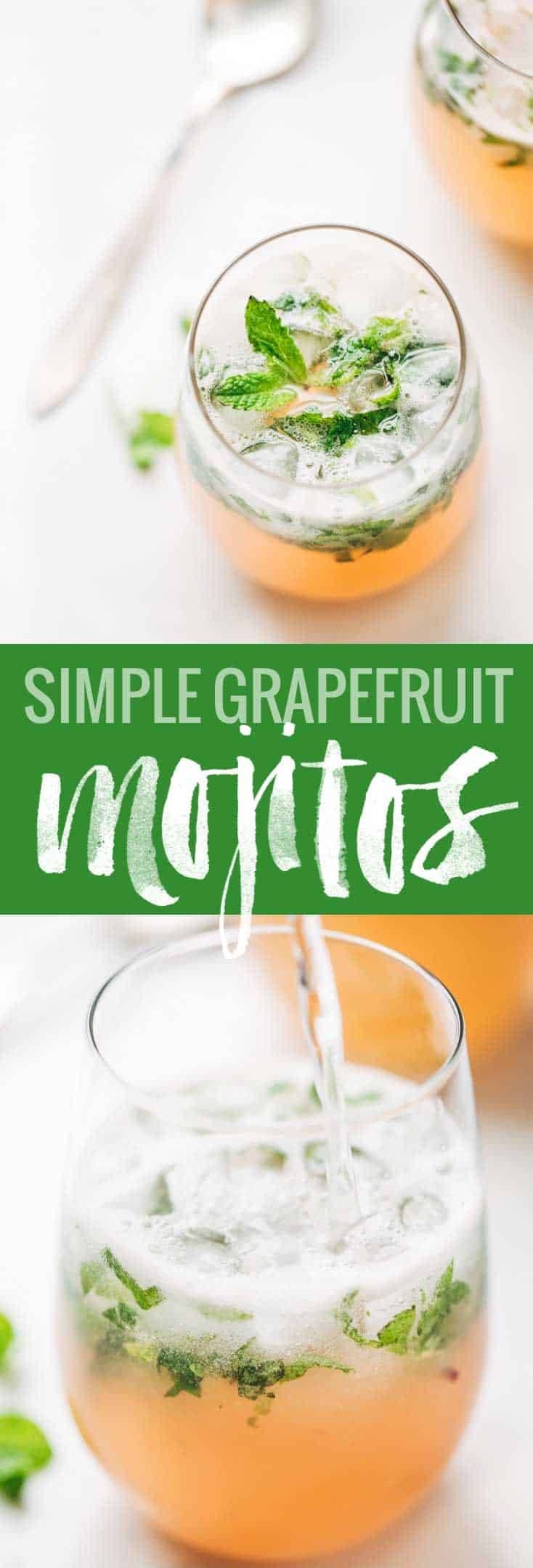
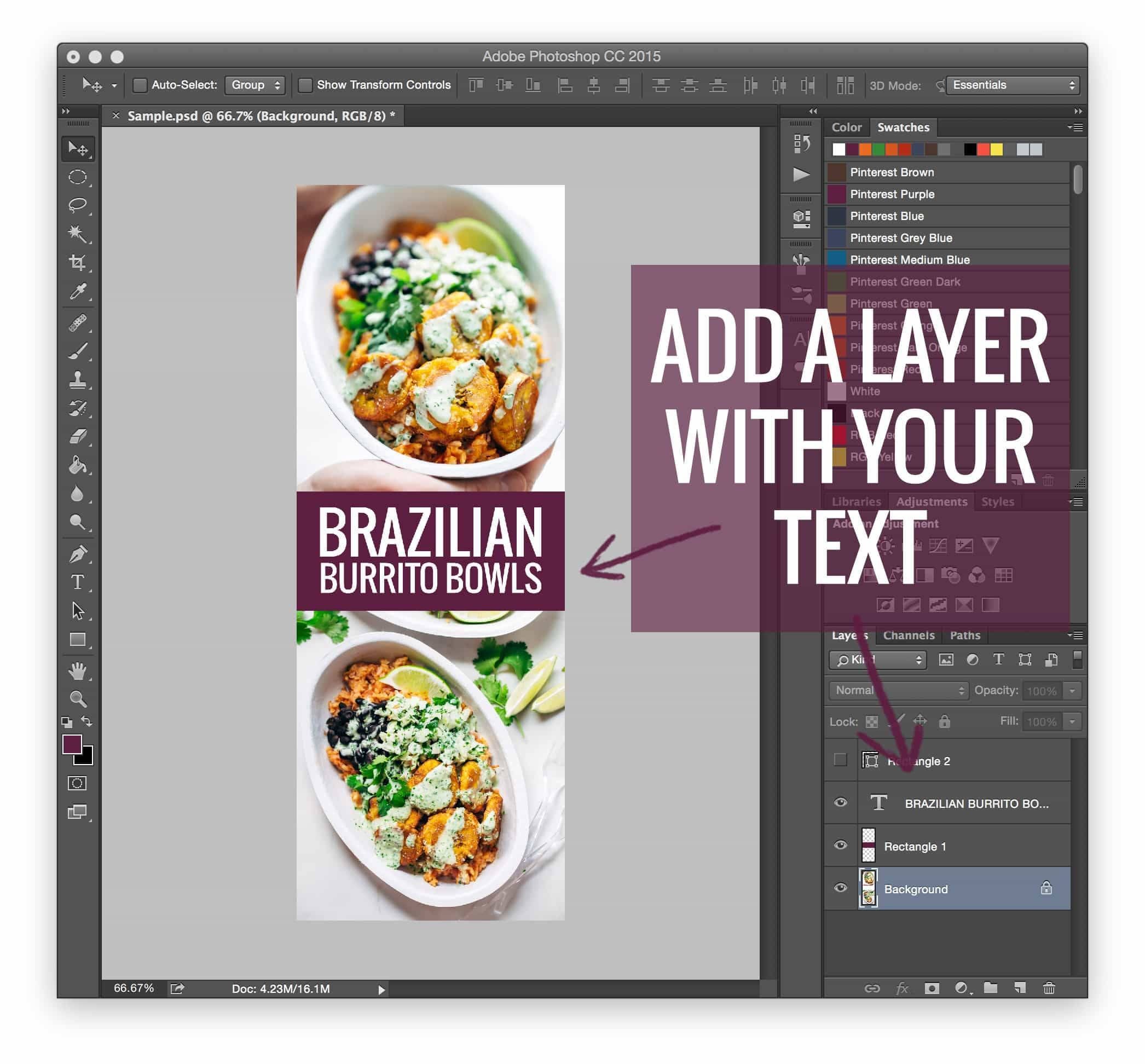
For the food and lifestyle blogging community, this presented a distinct design dilemma. These creators typically curate clean, minimalist, and highly photographic blog posts. Inserting a "long pin"—an image often collaged with text overlays, bright branding, and call-to-action headers—can disrupt the visual flow of a narrative-driven post. Thus, the industry moved toward a hybrid solution: keeping the long-form image hidden within the HTML code of the blog post, allowing it to be discovered by Pinterest’s scrapers without cluttering the reader’s experience on the website itself.
Chronology: From Custom Code to Automated Plugins
The history of this practice is a reflection of the maturation of the blogging industry.
- The Early Era (Pre-2015): Creators manually inserted image code, often using basic HTML tags to set the display property of an image to "none." This required a baseline understanding of web development and was prone to errors if the site’s CSS changed.
- The DIY Movement (2015–2017): As the "long pin" trend exploded, influencers began sharing tutorials on how to use CSS classes to hide images. These tutorials, while empowering, were cumbersome for the average user, requiring constant maintenance and debugging.
- The Professionalization Phase (2018–Present): Recognizing the pain point, developers created dedicated plugins. Tools such as "Tasty Pins" emerged, allowing creators to designate specific images for Pinterest without having to manually code them into the site. This shift marked the transition from "hacker-style" blogging to the use of professional-grade content management tools.
Supporting Data and Technical Logic
The efficacy of the hidden image lies in the interplay between Pinterest’s "Pin It" button and website metadata. When a user clicks a social sharing button on a blog post, the plugin or script queries the page for available images. By using an HTML element with an inline-style of display: none; or a specialized CSS class that removes the image from the document flow, the image remains invisible to the human visitor but fully accessible to the Pinterest bot.
This allows for a two-tiered visual strategy:
- User Experience (UX): The visitor enjoys a clean, distraction-free reading experience optimized for desktop or mobile consumption.
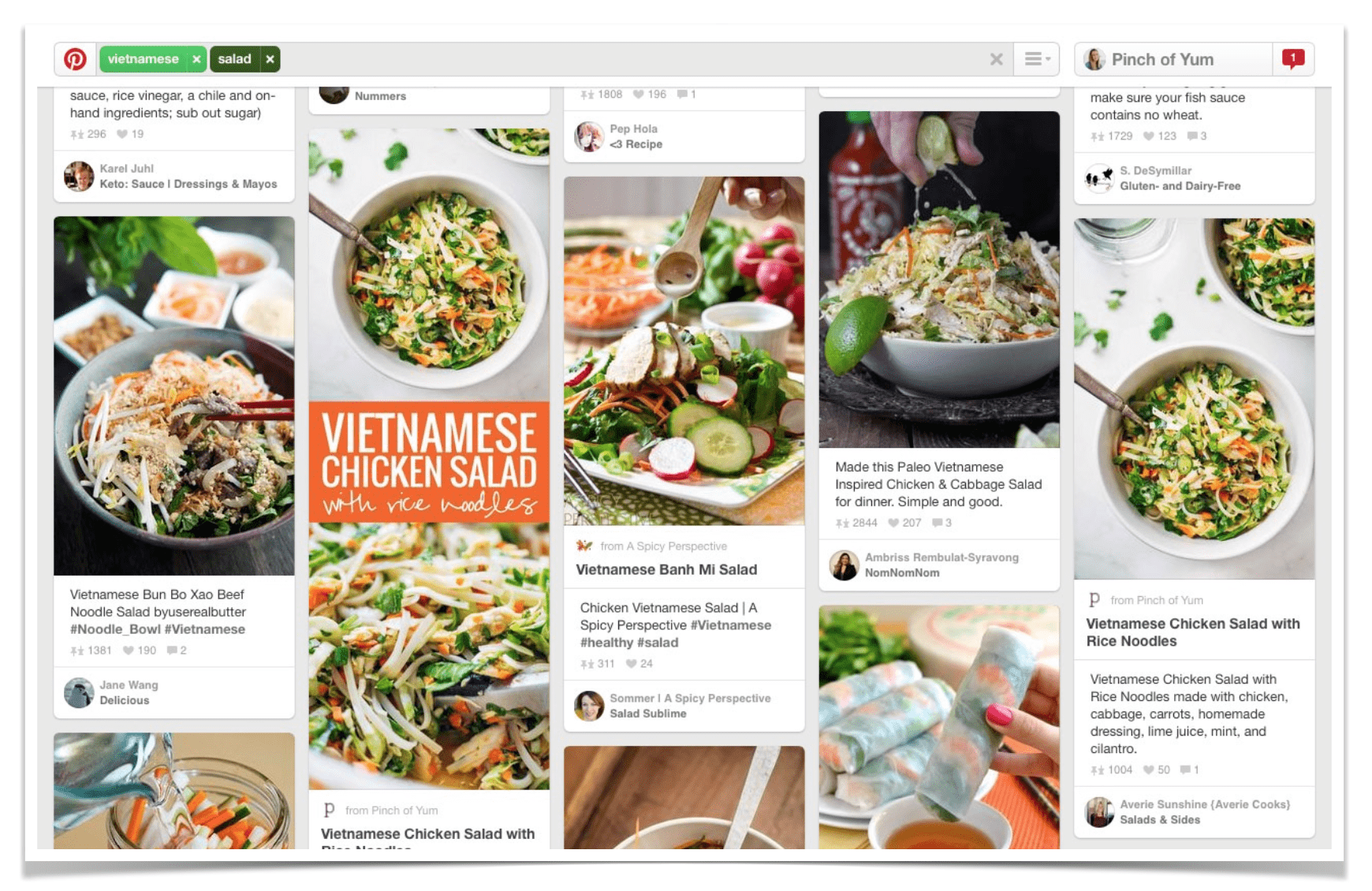
- Social Discovery: The Pinterest user, who is intentionally looking for "saveable" content, finds a highly optimized, high-conversion graphic waiting for them when they trigger the browser extension or sharing tool.
Official Perspectives and Industry Standards
The debate over whether to hide images has often centered on "authenticity." Critics argued that if an image is not good enough to be seen on the blog, it shouldn’t be shared. However, industry leaders, such as those at Pinch of Yum, clarified that the distinction is not one of quality, but of context.
"It doesn’t really fit my style of blog content to all of a sudden throw an image in the post that is a collage with text," one industry expert noted. "It’s too long, too big, and awkward looking. When all my other images are text-free single photos, it just doesn’t make sense with the flow of my posts."
This perspective has become the gold standard: treat the blog as a gallery and the Pinterest image as a "data-heavy" marketing asset. The goal is to maximize the reach of the content without compromising the editorial voice.
Implications for Future Content Monetization
The implications of mastering these visual strategies are tied directly to the bottom line. For food bloggers, travel writers, and DIY enthusiasts, Pinterest acts as a primary funnel for traffic. Increased repins translate to higher click-through rates, which in turn drive ad revenue, affiliate sales, and the promotion of proprietary products—such as e-books and courses.
The Role of Automation
As we look toward the future, the manual implementation of these tactics is effectively obsolete. Modern content management systems now prioritize "plugin-first" strategies. By automating the pinning process, creators can focus on their primary objective: creating high-quality, long-form content.
Monetization Synergy
The integration of hidden images is rarely done in isolation. It is typically part of a broader "monetization funnel." For instance, a creator might use a hidden pin to drive traffic to a post that features a "16 Ways to Monetize Your Food Blog" e-book download. This creates a loop:
- The Hidden Pin: Drives discovery on Pinterest.
- The Blog Post: Provides value and builds trust.
- The Call-to-Action: Converts the reader into a subscriber or customer.
Best Practices for Modern Creators
For those looking to implement or refine their Pinterest strategy today, the following pillars remain essential:
- Prioritize Responsive Design: Ensure that while your pins are vertical, your blog remains mobile-responsive. Using plugins like Tasty Pins prevents issues where hidden images might inadvertently affect the mobile loading speed or layout.
- Optimize Alt-Text: Just because an image is hidden doesn’t mean it shouldn’t be accessible. Use descriptive alt-text for your hidden pins to ensure they appear in image searches and remain accessible to screen readers.
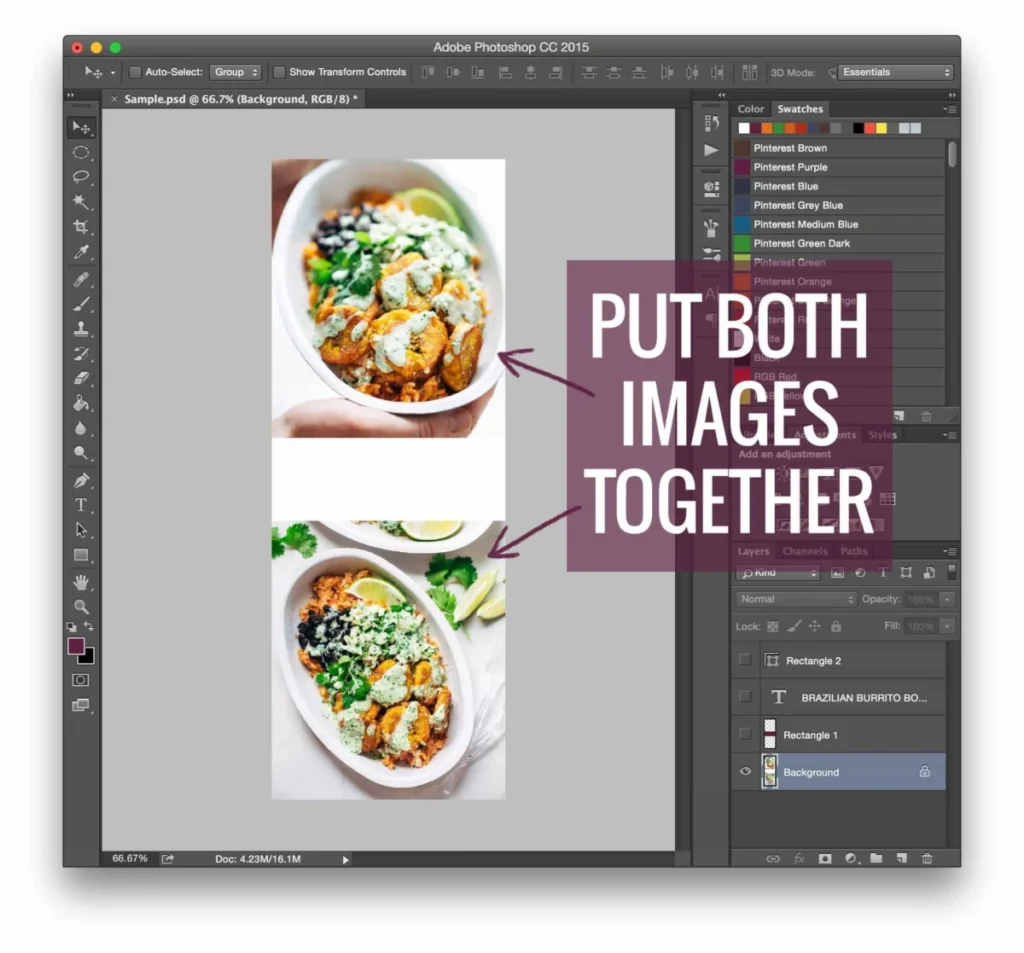
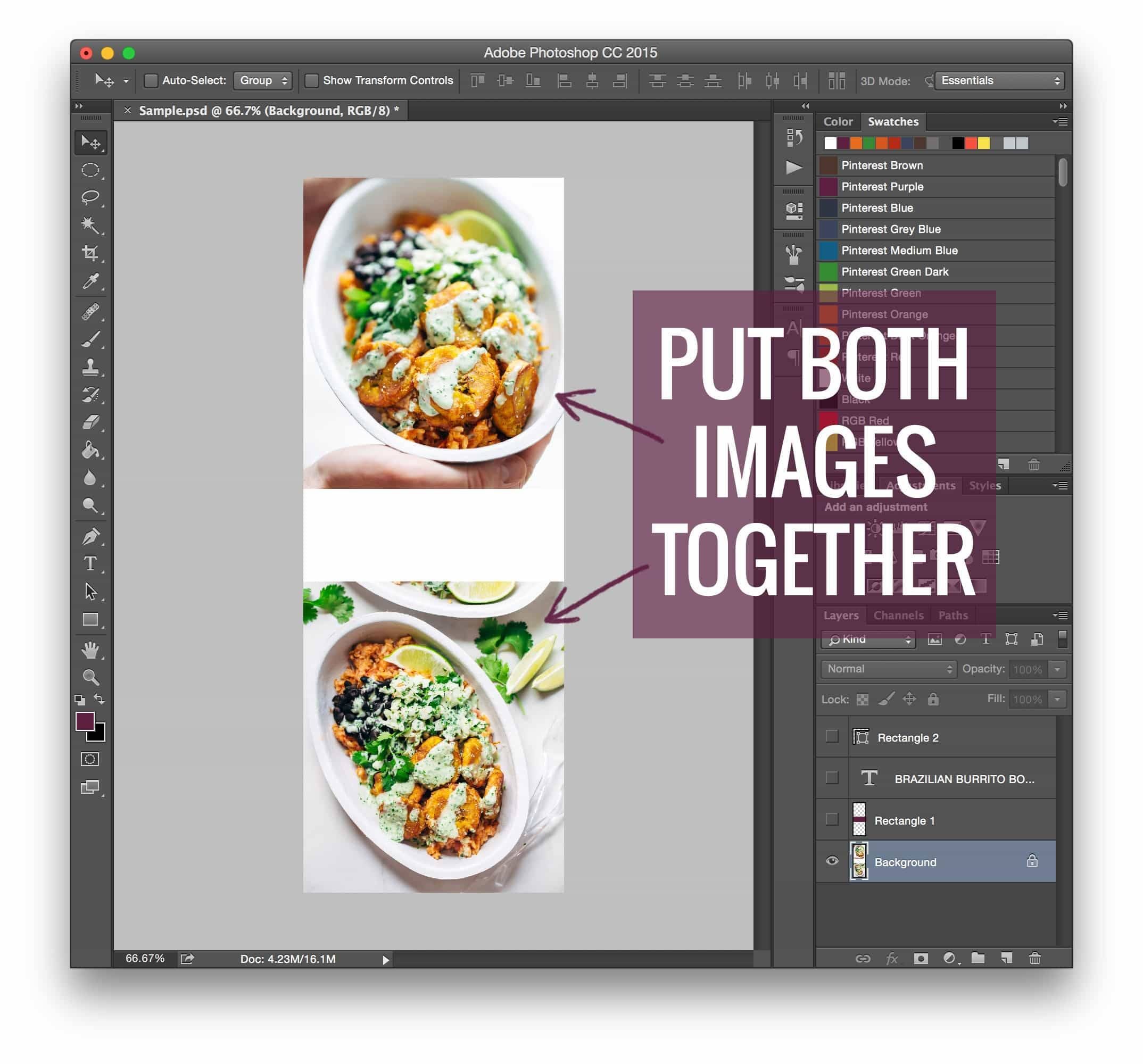
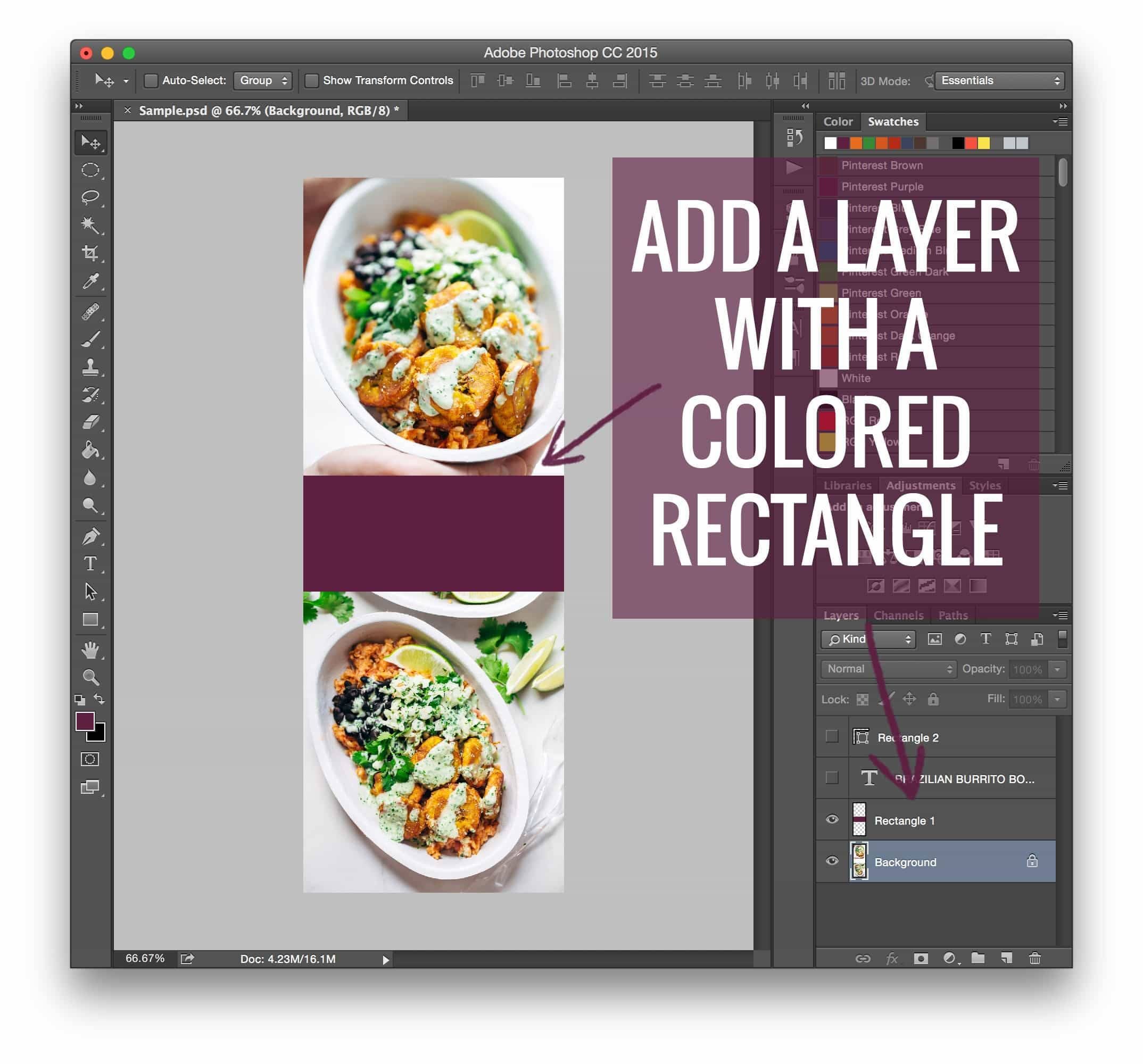
- Design for the Platform: Don’t simply shrink a horizontal image. Use tools like Adobe Photoshop or Canva to create content specifically for the vertical constraints of Pinterest, focusing on high-contrast text and clear value propositions.
- A/B Test Your Graphics: Because Pinterest is a visual search engine, track which "hidden" images result in the highest engagement. Use this data to iterate on your design style.
Conclusion
The technique of hiding Pinterest images has evolved from a clever coding trick into a cornerstone of professional content strategy. By separating the needs of the blog reader from the requirements of the Pinterest algorithm, creators have found a way to maintain their aesthetic standards while aggressively pursuing growth. As the digital landscape continues to evolve, the ability to adapt—moving from manual code to sophisticated automation—will continue to distinguish successful creators from those who struggle to find their audience. The "rising tide" of knowledge-sharing in this space ensures that as long as Pinterest remains a key driver of traffic, the community will continue to innovate, ensuring that great content finds its way to the right eyes.