
The New Standard: A Comprehensive Guide to iOS 27 and iPadOS 27
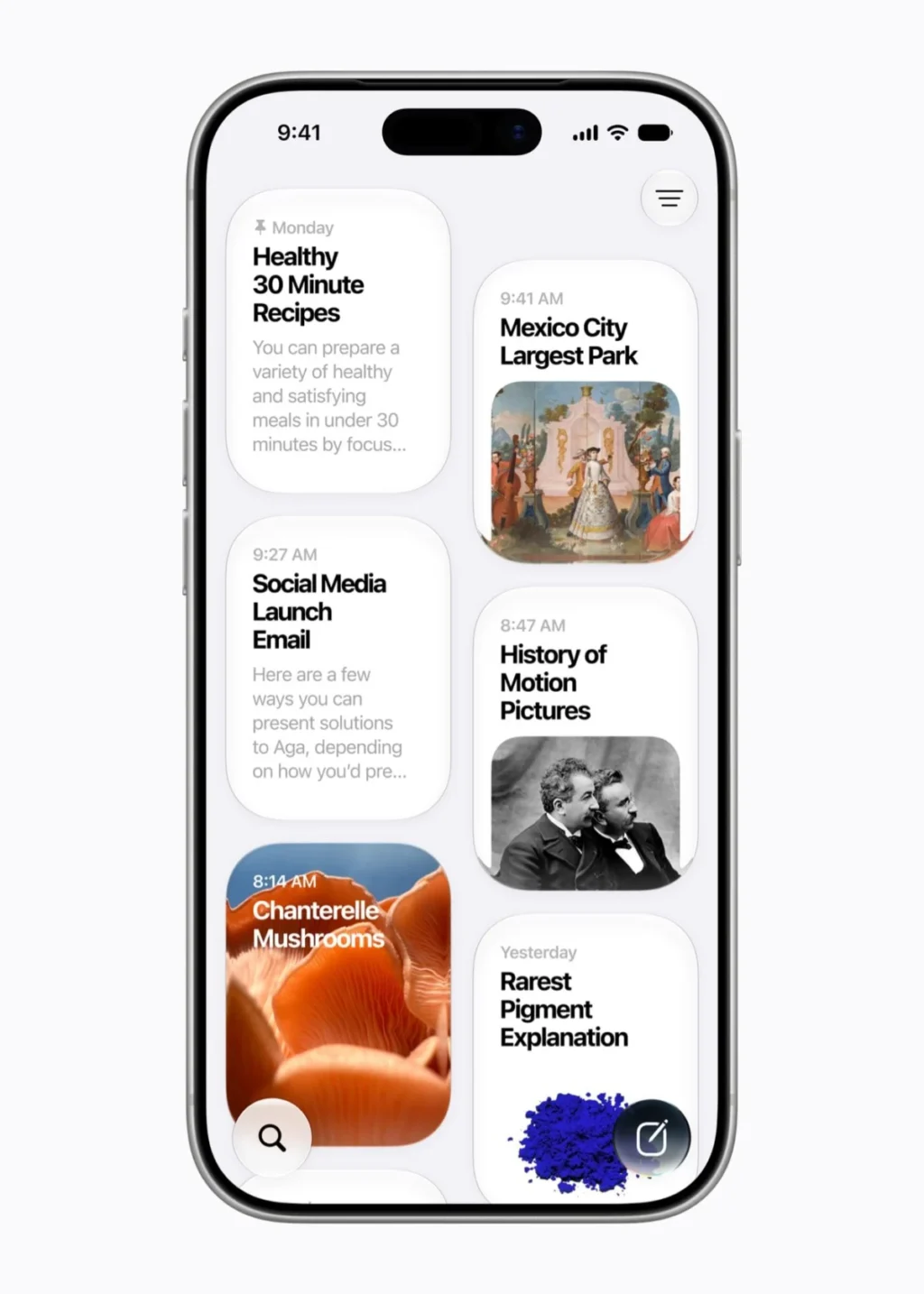
As of September 14, 2026, Apple has officially begun the global rollout of its latest operating system iterations: iOS 27 and iPadOS 27. While last year’s release focused on the dramatic visual shift of "Liquid Glass," this year’s update pivots toward utility, deep-system integration, and a sophisticated overhaul of the digital assistant experience. For the average user, these updates promise a device that feels snappier, more intuitive, and significantly more capable of handling complex, daily administrative tasks.
The Core Transformation: Siri AI
The centerpiece of this update is the complete reinvention of Siri. Long considered a laggard in the generative AI race, Siri has been rebuilt from the ground up. Apple has integrated third-generation foundation models, which the company claims were developed in-house to ensure that user data remains private and is never routed through external infrastructure.

The New Interface and Capability
Visually, Siri has shed its old icon for a sleek, responsive glass orb. This is more than a aesthetic choice; it represents a new, persistent "Siri App" where users can track long-running conversations, manage ongoing projects, and transition tasks seamlessly between iPhone, iPad, and Mac.
Perhaps most impressive is the camera integration. By pointing your camera at a physical object or document—such as a restaurant bill—Siri can perform OCR (Optical Character Recognition) and spatial analysis to split costs or organize data in real-time. This "visual intelligence" mirrors the capabilities of Google Lens but is woven directly into the operating system’s fabric.

Contextual Awareness
Siri now acts as a personal concierge with access to your digital life—your emails, calendar, messages, and photos. If you ask, "What was that wine my brother recommended last month?" Siri can parse through your text threads to find the specific bottle, look up its ratings, and suggest local retailers. It is a profound shift from the command-and-control Siri of the past to a conversational, context-aware partner.
Performance and Stability: Under the Hood
While AI makes the headlines, the engineering team at Apple has spent significant resources on backend optimization. Through the implementation of a new CPU Scheduler, the company has managed to squeeze higher performance out of aging hardware.

- App Responsiveness: Launch speeds have seen a marked increase, with internal metrics suggesting a 30 percent boost.
- Media Handling: Photo library indexing is now 70 percent faster, and AirDrop transfers have improved by 80 percent, significantly reducing the "handshake" time between devices.
- Network Switching: One of the most requested quality-of-life fixes is the seamless transition between Wi-Fi and cellular networks. Users moving from their home network to cellular coverage will no longer experience the "dead zone" lag that plagued previous versions.
Compatibility and Deployment
Apple’s commitment to longevity continues to be a cornerstone of its ecosystem. iOS 27 supports any device that was compatible with iOS 26, effectively extending the lifespan of devices dating back to 2019 (the iPhone 11 series and later).
For the iPad, the landscape is more complex. As Apple has moved away from the "Generation" naming convention, users are encouraged to verify their chipset via the "About" section in settings. Notably, the 8th-gen iPad and 5th-gen iPad Mini have been phased out of the update cycle, marking the end of their official support window.

Installation Best Practices
Before initiating the update, users should ensure their device is backed up via iCloud. Because the new Siri AI requires a massive indexing process—which can take anywhere from a few hours to two days—it is recommended to update the device overnight. During this initial period, users may notice higher-than-normal battery drain and increased device temperature as the Neural Engine maps the user’s personal data.
The Evolution of Liquid Glass
The "Liquid Glass" design language, which debuted to polarizing reviews, has been refined. Apple has acknowledged the debate surrounding the feature by introducing a granularity slider in the Settings > Appearance menu. Users can now adjust the opacity and blur intensity of the system UI. Furthermore, interface elements like icons and text have received a sharpness pass, improving readability and addressing accessibility concerns raised by the design community during the previous cycle.

Protecting the Next Generation: New Parental Controls
Apple has significantly expanded its suite of child-safety features. The new "Setup Assistant" for minors allows parents to define specific app ecosystems and web-browsing boundaries from the moment a device is unboxed.
- Ask to Browse: Safari now includes a mandatory approval system for new websites.
- Communication Safety: Nudity and violent imagery are now blurred by default across Messages and FaceTime.
- Time Allowances: Beyond simple screen time limits, parents can now set "Time Allowances" for specific app categories, allowing for a more nuanced approach to digital discipline that evolves with the child’s age.
Photography and Creative AI
The Photos app has received a "superpower" upgrade. Using generative AI, users can now utilize three core features:

- Clean Up: Removing unwanted objects with improved object-recognition.
- Extend: Using generative AI to "fill in" the edges of a cropped photo, effectively widening the frame.
- Spatial Reframing: Adjusting the angle of a shot after it has been taken, allowing users to correct perspective without losing image fidelity.
Note: While these features are free, they are subject to usage caps. Frequent users will likely need to upgrade their iCloud storage tiers to access the cloud-based compute power required for high-resolution generation.
Implications and Future-Proofing
The most critical takeaway from the launch of iOS 27 is the bifurcation of the Apple ecosystem. While the OS update is broad, the "Apple Intelligence" suite is restricted to the iPhone 15 Pro and newer. This creates a clear hierarchy: your device might run the latest OS, but its true potential is gated by the silicon inside.

Furthermore, some features, such as the promised one-tap context actions in Mail and Messages, were delayed in the final build. Apple has stated these will arrive in a supplemental update, suggesting that even with a "final" release, the software remains an evolving project.
Summary: A More Proactive Ecosystem
iOS 27 is not a revolution in aesthetics; it is a revolution in intent. By moving from a reactive assistant to a proactive one, and by refining the "Liquid Glass" UI to satisfy both proponents and detractors, Apple is focusing on retention. The platform is becoming increasingly intelligent, but it is also becoming increasingly reliant on the cloud and modern hardware.

For the power user, the ability to build custom Safari extensions and automate complex workflows with natural language is a game-changer. For the casual user, the stability and child-safety improvements offer peace of mind. Regardless of your usage style, one thing is clear: your iPhone and iPad have just become significantly more capable, provided you have the hardware to support the AI-driven future Apple is building.